Translate your video to English, in your own voice
Made a video in Sinhala, Tamil, Hindi, Kannada or Telugu? WipeClip says the speech again in English, in the speaker's own voice, over the video's own music and sounds. It all happens on your computer: nothing is uploaded.
How it works
- 1
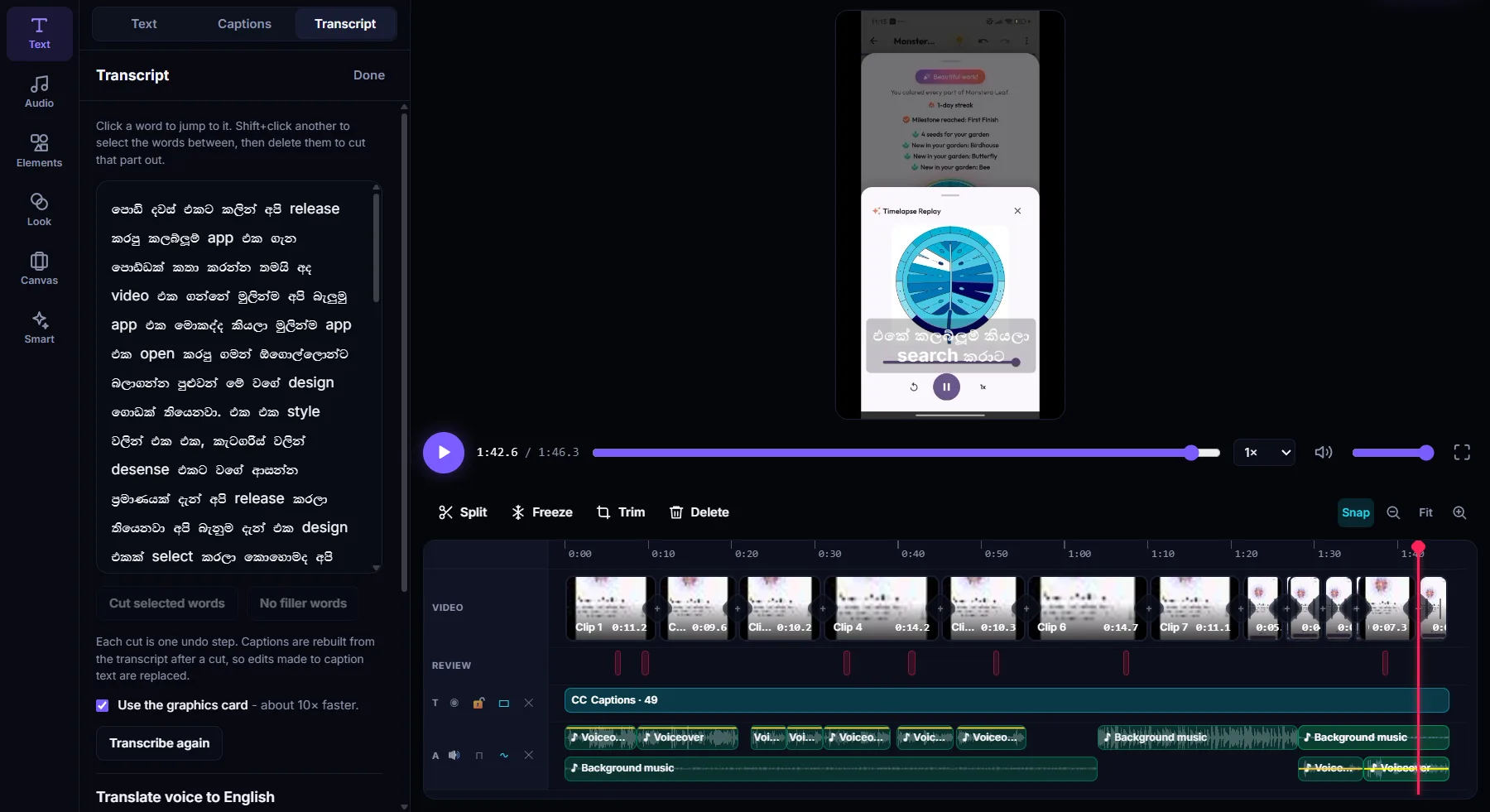
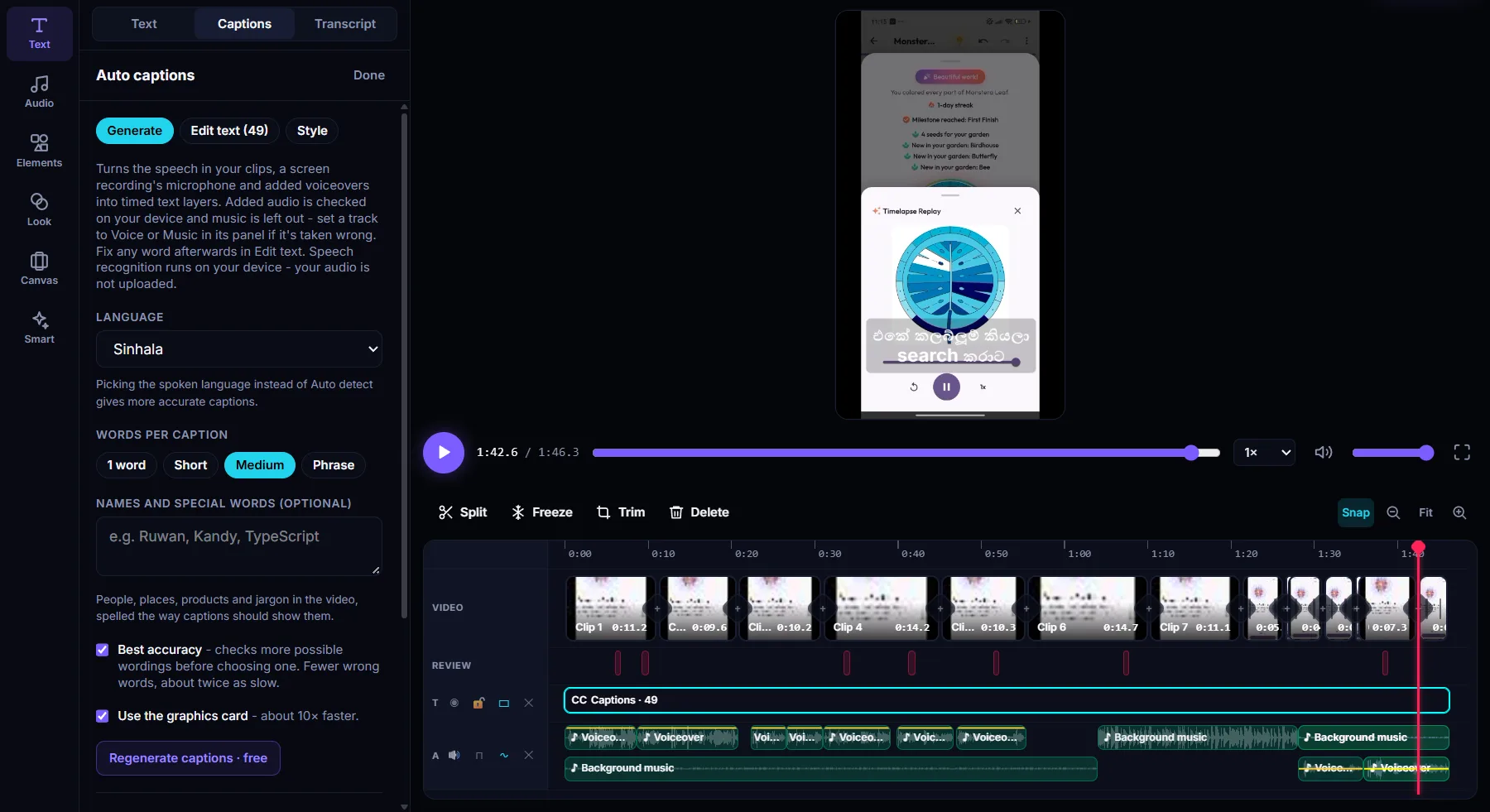
Transcribe the video
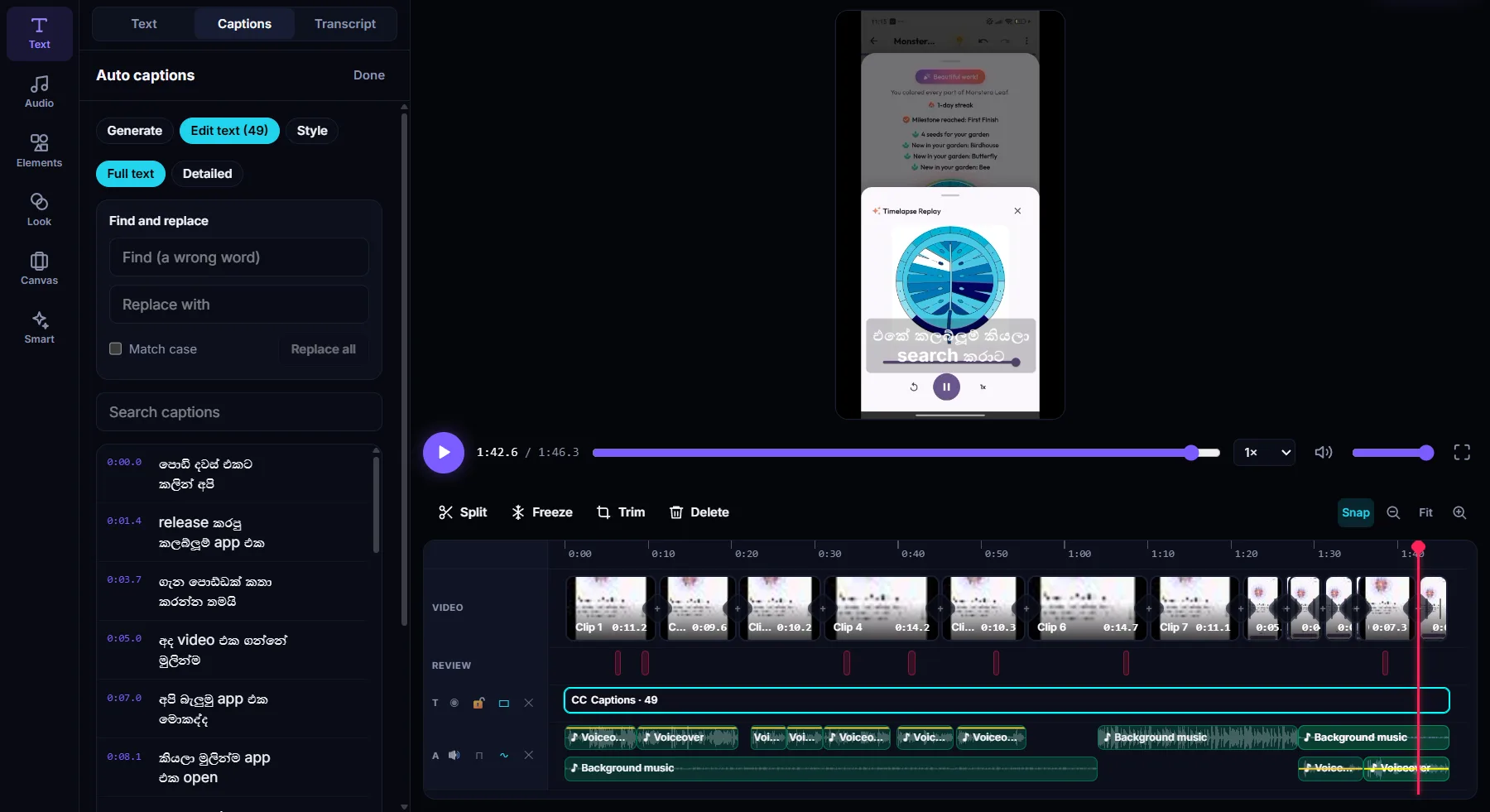
Open your video and generate captions in the language that's spoken: Sinhala, Tamil, Hindi, Kannada or Telugu.
- 2
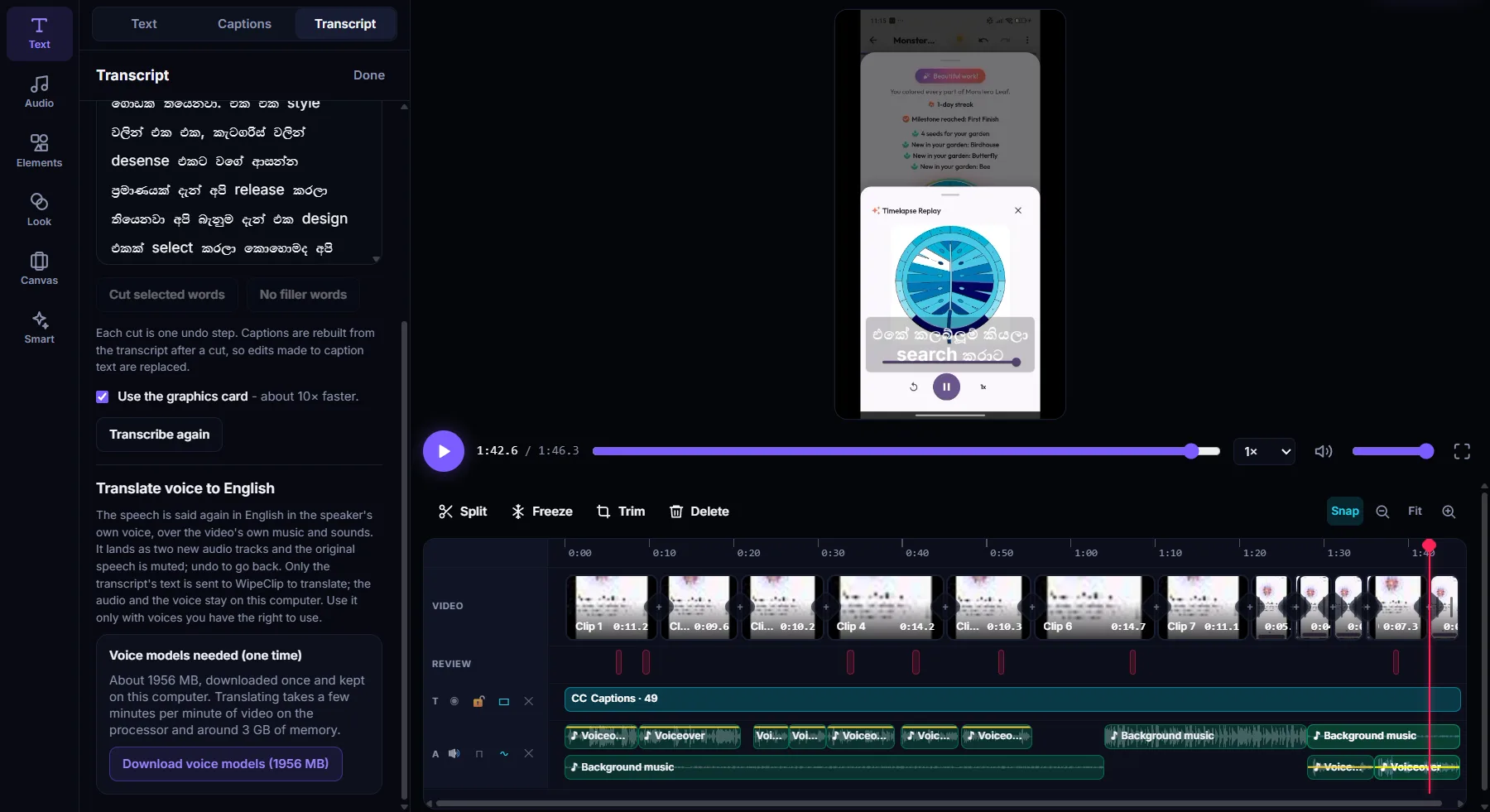
Translate voice to English
In the Transcript panel, choose Translate voice to English. The first time, the translation and voice models download once (about 5 GB).
- 3
Check it and export
The English speech lands as two new audio tracks and the original speech is muted. Listen through, undo if you want to go back, then export.
What you get
The speaker's own voice
The English speech sounds like the person in the video, not a stock voice.
Music and sounds kept
Only the speech is replaced. The video's own music and background sounds stay underneath.
Five languages to English
Sinhala, Tamil, Hindi, Kannada and Telugu speech, translated to English.
Nothing is uploaded
The translation and the voice are both made on your computer. Your audio and your words never leave it.
Undo in one step
The translation is added as new tracks. Undo once and the original speech is back.
Up to 30 minutes
Translate up to 30 minutes of speech in one go.
See it in the app
Questions
Which languages can I translate to English?
Sinhala, Tamil, Hindi, Kannada and Telugu. The speech is translated to English and said in the speaker's own voice.
Is my audio uploaded?
No. The translation and the voice are both made on your computer, so neither your audio nor the transcript is uploaded.
How long does translating take?
A few minutes per minute of video on the processor, using around 4 GB of memory. The translation and voice models, about 5 GB, download once the first time.
What happens to the original speech?
The English speech is added as two new audio tracks and the original speech is muted. The video's music and sounds stay. Undo to go back to the original.
Can I translate someone else's voice?
Use voice translation only with voices you have the right to use, such as your own or with the speaker's permission.
Which computers does it run on?
WipeClip is a free desktop app for Windows 10 (21H2 or later) and Windows 11. The macOS version is coming soon.
More in WipeClip
Try it free
Download WipeClip and give your next video an English version.