Sinhala subtitles, made automatically
Open a video where people speak Sinhala, choose Sinhala, and WipeClip writes timed captions in Sinhala script for you. English words people mix into their speech stay in English letters, the way it was said. Speech recognition runs on your computer, so your audio isn't uploaded for captions.
How it works
- 1
Open your video
Drop in an MP4, MOV or WebM file, or record your screen in the app. Your original file is never changed.
- 2
Generate Sinhala captions
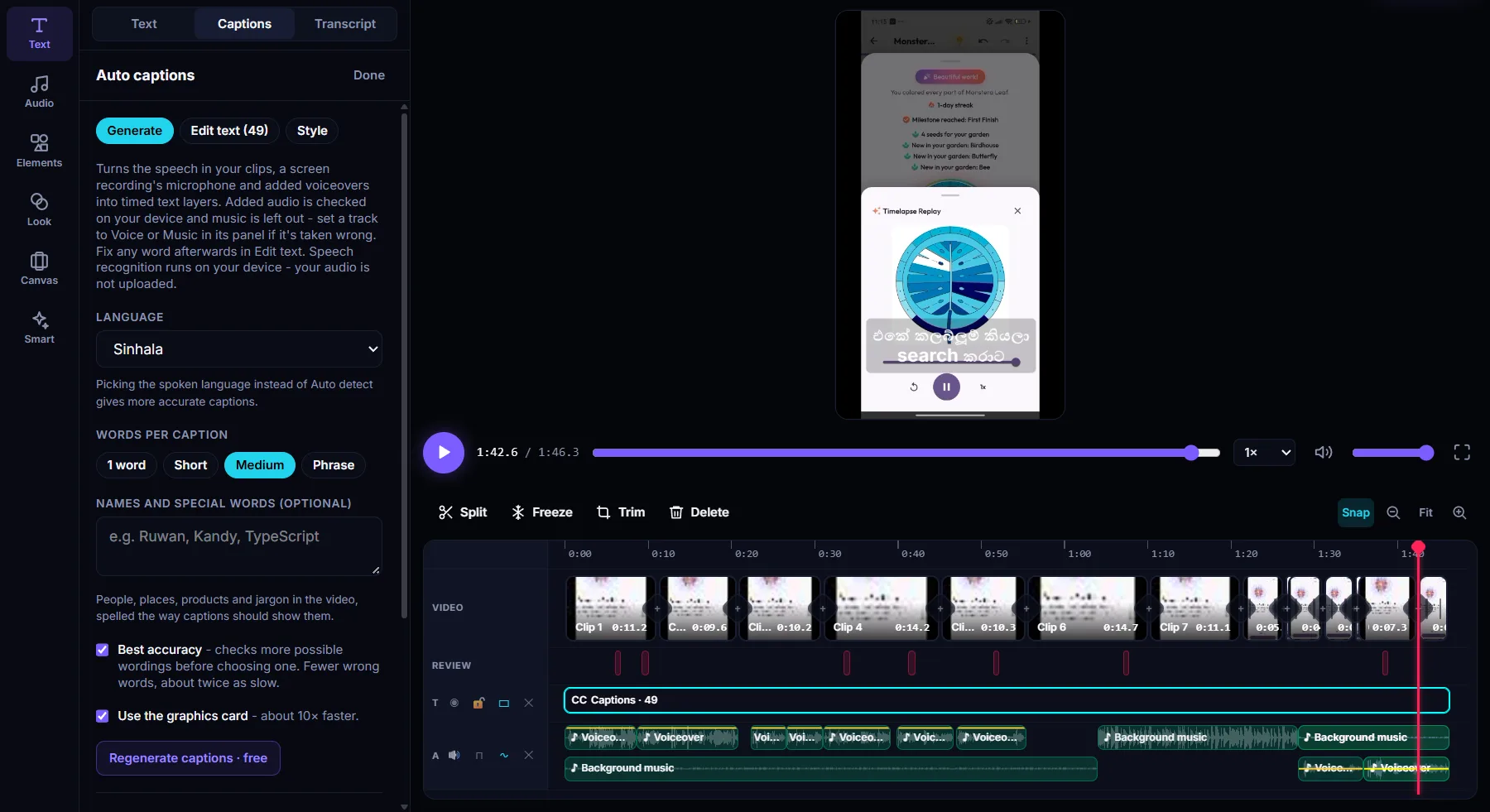
Go to Text, then Captions, choose Sinhala as the language and pick how many words each caption shows. The Sinhala speech model downloads once the first time.
- 3
Fix, style and export
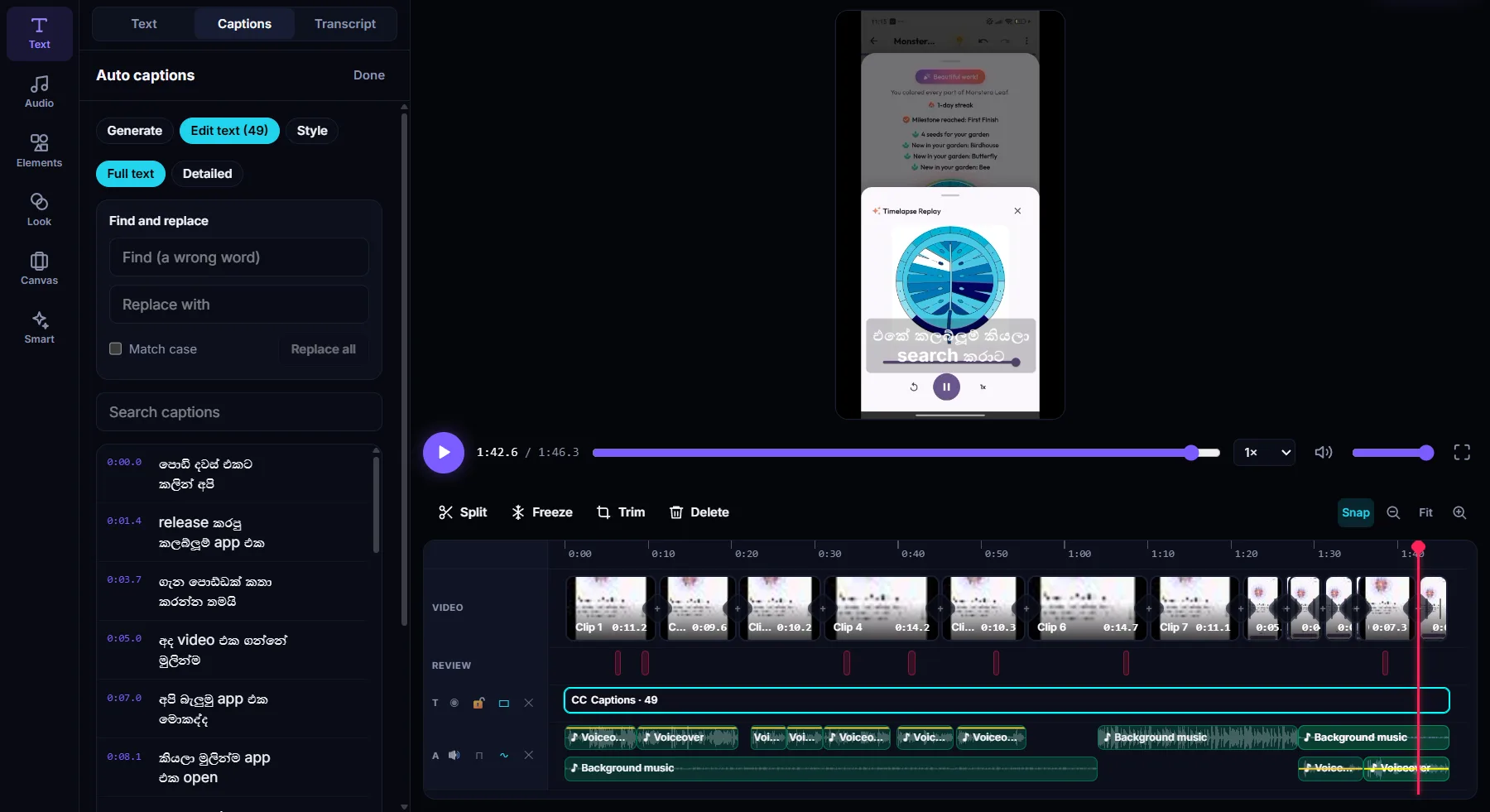
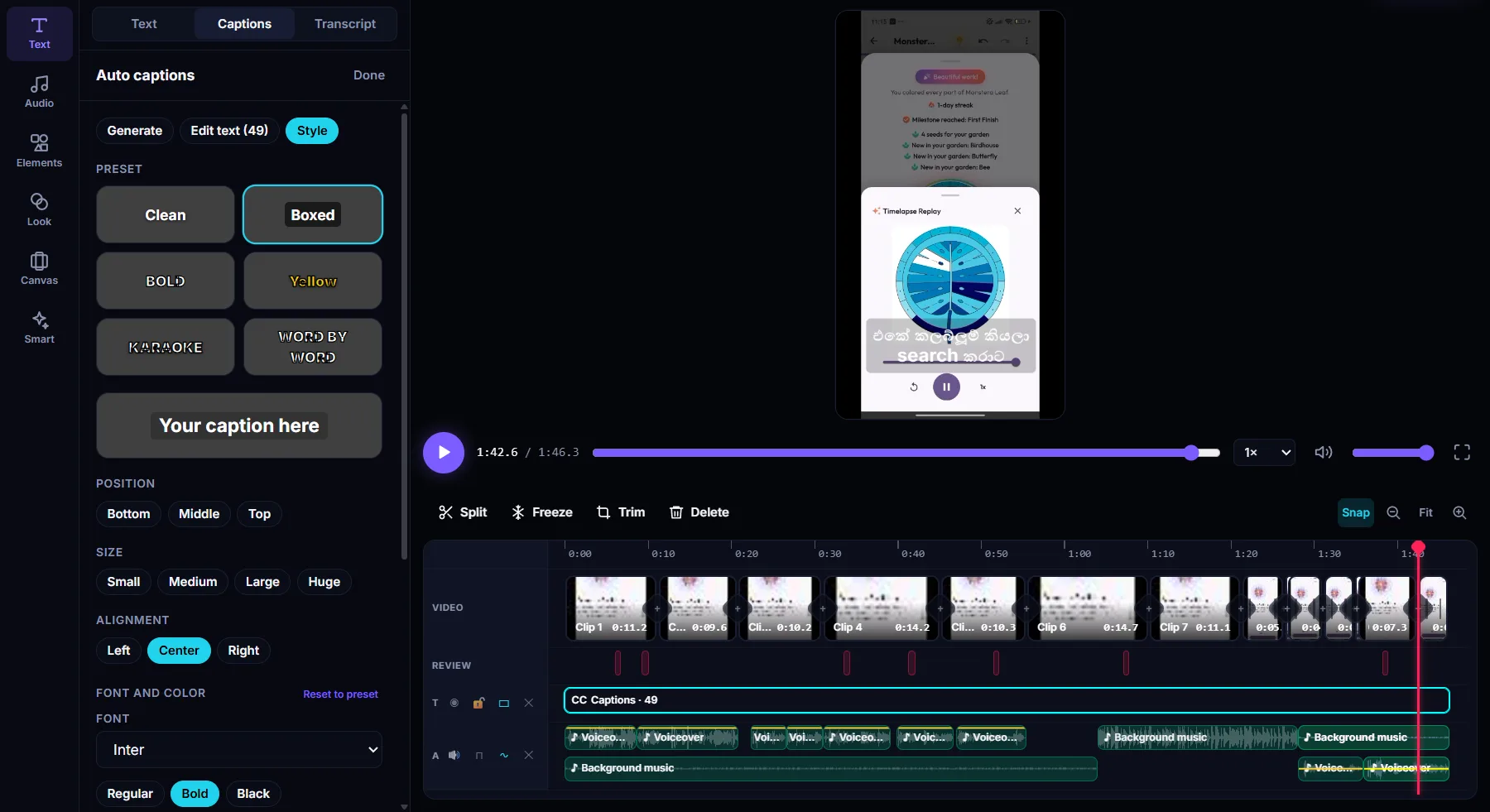
Correct any word in Edit text, choose a caption look, then export the video with captions on it, or save them as an SRT or WebVTT file.
What you get
Sinhala script, English words kept
Mixed Sinhala and English speech comes out the way people talk: Sinhala words in Sinhala letters, English words in English.
Names spelled your way
Add people, places and product names before you generate, and the captions use your spelling.
Best accuracy option
Checks more possible wordings before choosing one, for fewer wrong words. About twice as slow.
Fast on a graphics card
Use the graphics card for about 10 times faster captions. It also works on the processor alone.
Edit by text
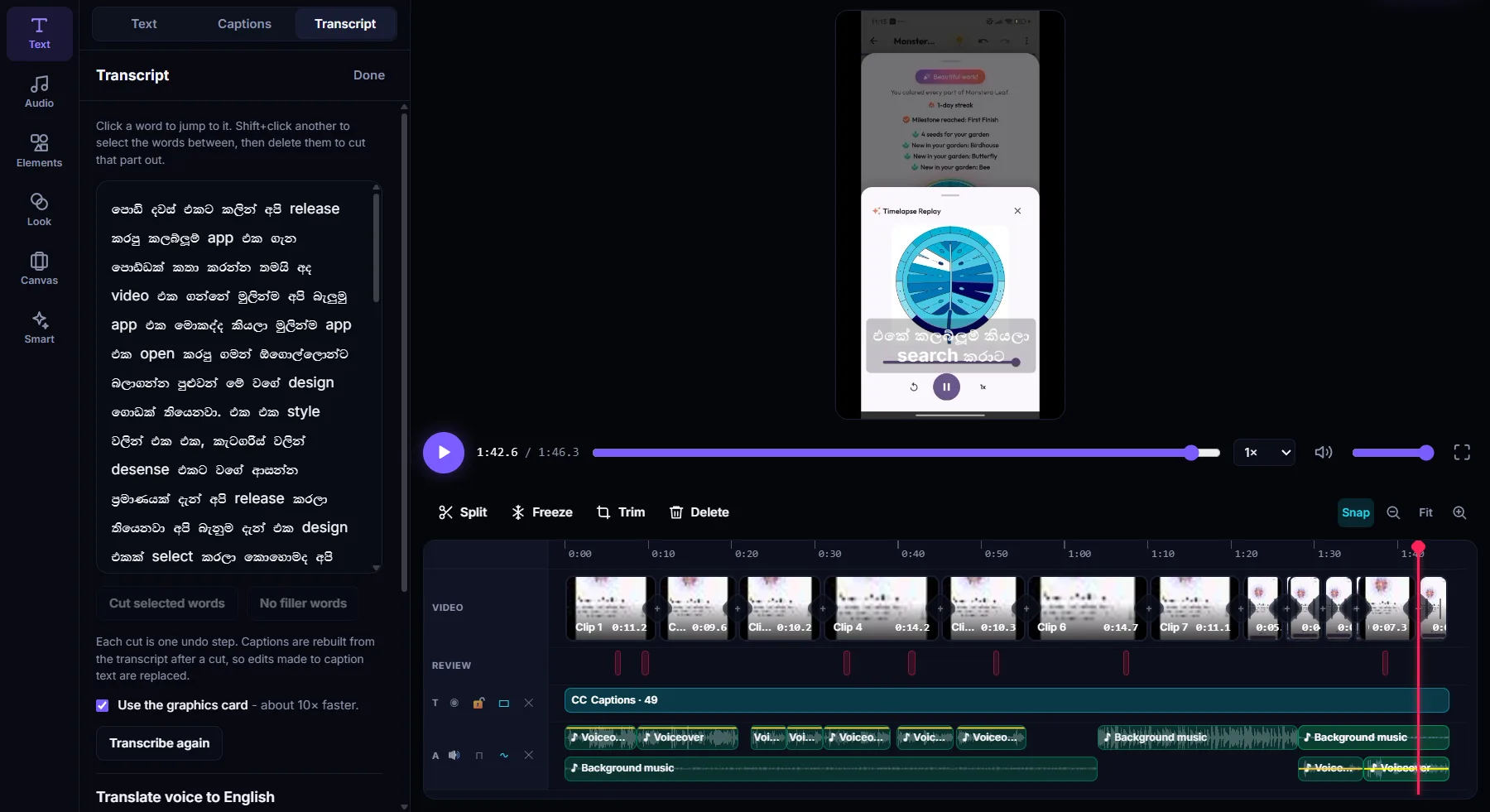
Find and replace across every caption, or delete words in the transcript to cut that part of the video.
SRT and WebVTT export
Save the captions as a subtitle file, or keep them on the video when you export.
See it in the app
Questions
Is the Sinhala subtitle generator free?
Yes. Making captions is free. The free plan exports videos up to 10 minutes long.
Is my video uploaded to make the captions?
No. Speech recognition runs on your own computer. Your audio isn't uploaded to make captions.
Can I use it for videos that mix Sinhala and English?
Yes. Choose Sinhala as the language. Sinhala words come out in Sinhala script and English words people say stay in English letters.
How accurate are the Sinhala captions?
Clear speech with little background noise works best. Add names and special words before you generate, turn on Best accuracy, and fix any remaining word in Edit text or with find and replace.
Can I export Sinhala subtitles as an SRT file?
Yes. Export the captions as SRT or WebVTT, or export the video with the captions shown on it.
Which computers does it run on?
WipeClip is a free desktop app for Windows 10 (21H2 or later) and Windows 11. The macOS version is coming soon.
More in WipeClip
Try it free
Download WipeClip and make your first Sinhala subtitles in a few minutes.